The register tells you what you already suspected.
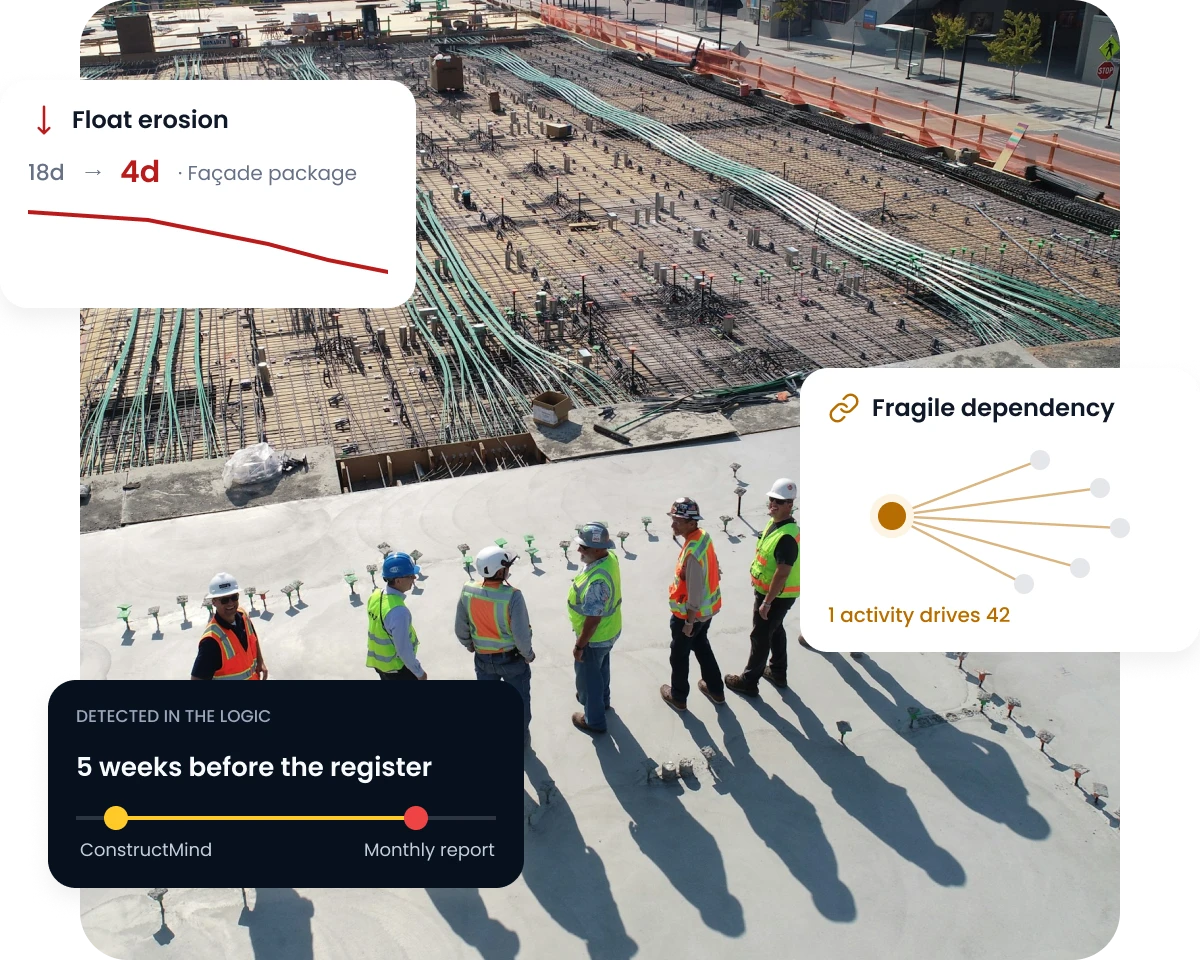
Risk is captured in a separate document, reviewed monthly, and populated by whoever remembers to raise something. The programme knew first.
01
Disconnected Registers
The risk register and programme are maintained separately, so exposure is described rather than measured.
02
Periodic, Not Continuous
Risk reviews happen on a reporting cycle while the schedule underneath changes every week.
03
Invisible Float Erosion
Activities quietly consume their float and only surface once they are already on the critical path.
HOW CONSTRUCTMIND HELPS
From a monthly register to continuous exposure.
ConstructMind AI reads exposure directly from the programme. Your risk team decides what is material and what it means.
01
Read the Programme
Logic, constraints, float and interfaces as they stand today, giving you a clear view of current programme exposure.
02
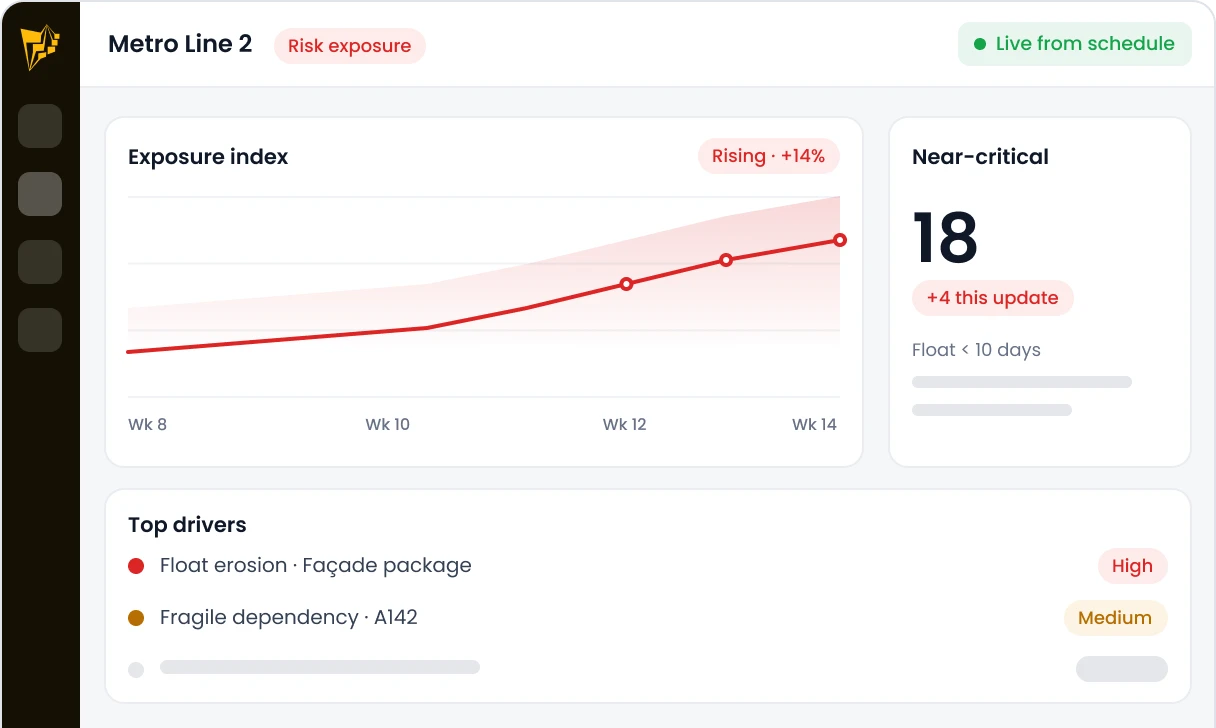
Surface the Exposure
Automatically identify fragile dependencies, near-critical activities, and float erosion.
03
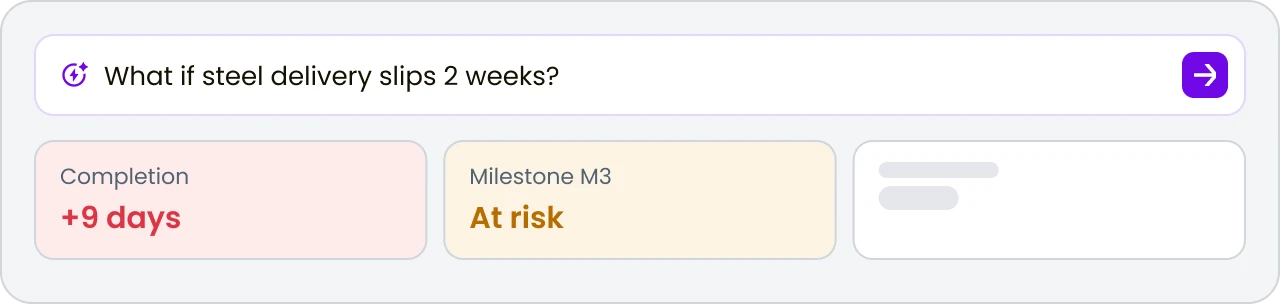
Ask the Question
Use Coco to test what happens to the finish date, key milestones and dependencies if a given activity or package slips.
04
Your Team Judges Materiality
Decide what enters the register, what needs escalation and what should remain under routine monitoring.
"AI surfaces the exposure. Your team judges it."
BUILT FOR RISK MANAGERS
Exposure you can see, not exposure you infer.
Float exposure, dependency fragility, interface risk and scenario questions — read from the programme itself rather than reconstructed from a register.
Float Exposure
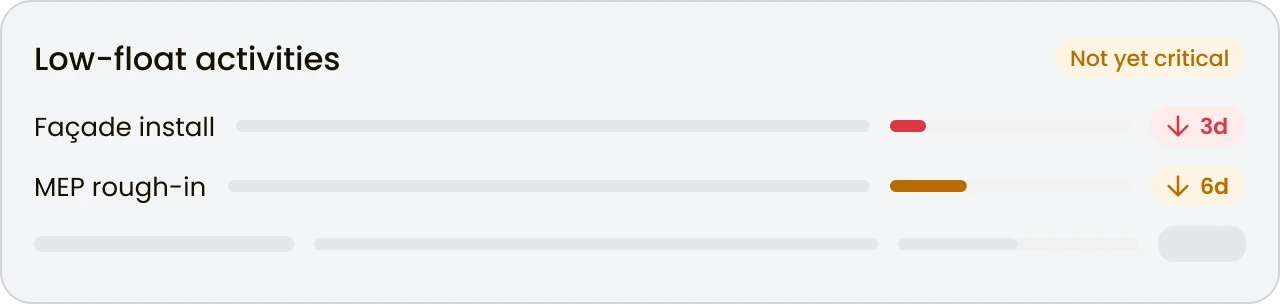
Activities running on low or eroding float that may not yet appear on the critical path, but could become schedule risks.
Dependency Fragility
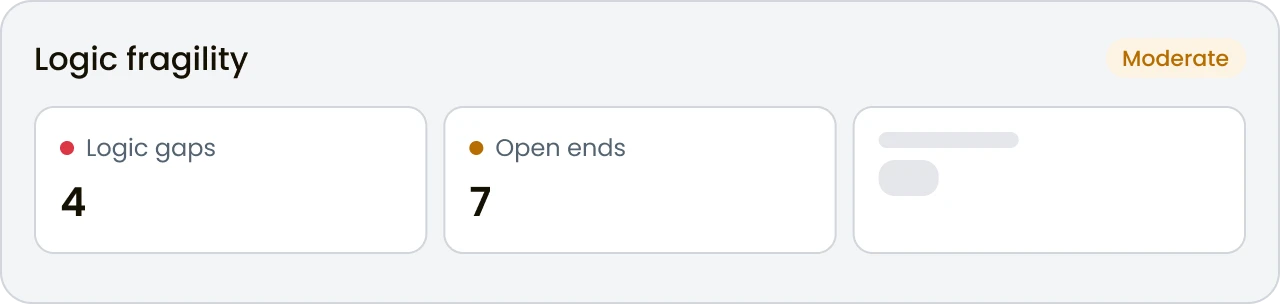
Logic gaps, open ends and constraints that can make the programme more fragile and vulnerable to unexpected delay.
Interface Risk
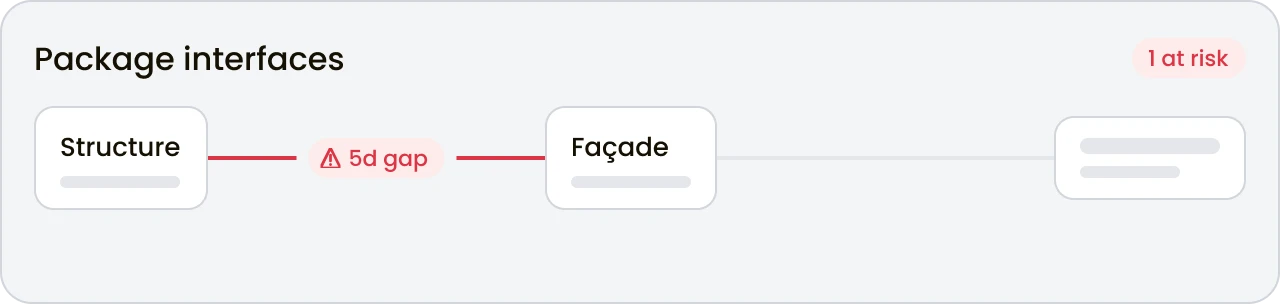
Interfaces between activities, teams and packages where gaps or dependencies could create delays, coordination issues or downstream impacts.
Scenario Questions
Test potential delays and changes with scenario questions to understand their impact on key activities, milestones and the overall programme.
EASY INTEGRATION
Read risk from the programmes you receive.
Exposure is read from the Primavera P6, Microsoft Project or Primavera Cloud files your project teams already produce. There is nothing new to populate.
Primavera P6
Microsoft Project
Primavera Cloud
ConstructMind Standalone
Primavera P6
Microsoft Project
Primavera Cloud
ConstructMind Standalone
Seamless Workflow Loop
Current programme
ConstructMind AI
Exposure and fragility surfaced
Into your risk process
TWO WAYS TO WORK WITH CONSTRUCTMIND
Watch one programme. Or every exposure in the portfolio.
Start with the risk position on a single programme, or see where exposure is concentrated across every project in the business.
CONSTRUCTMIND
Continuous exposure on one programme.
For risk managers on one major programme who need continuous exposure read from the schedule.
AI schedule generation
Schedule validation
Coco AI project helper
Export to P6, MSP, Primavera
Document intelligence
Duration confidence
Basis of Schedule
Standalone workflow
ConstructMind Pro
FOR ENTERPRISE TEAMS
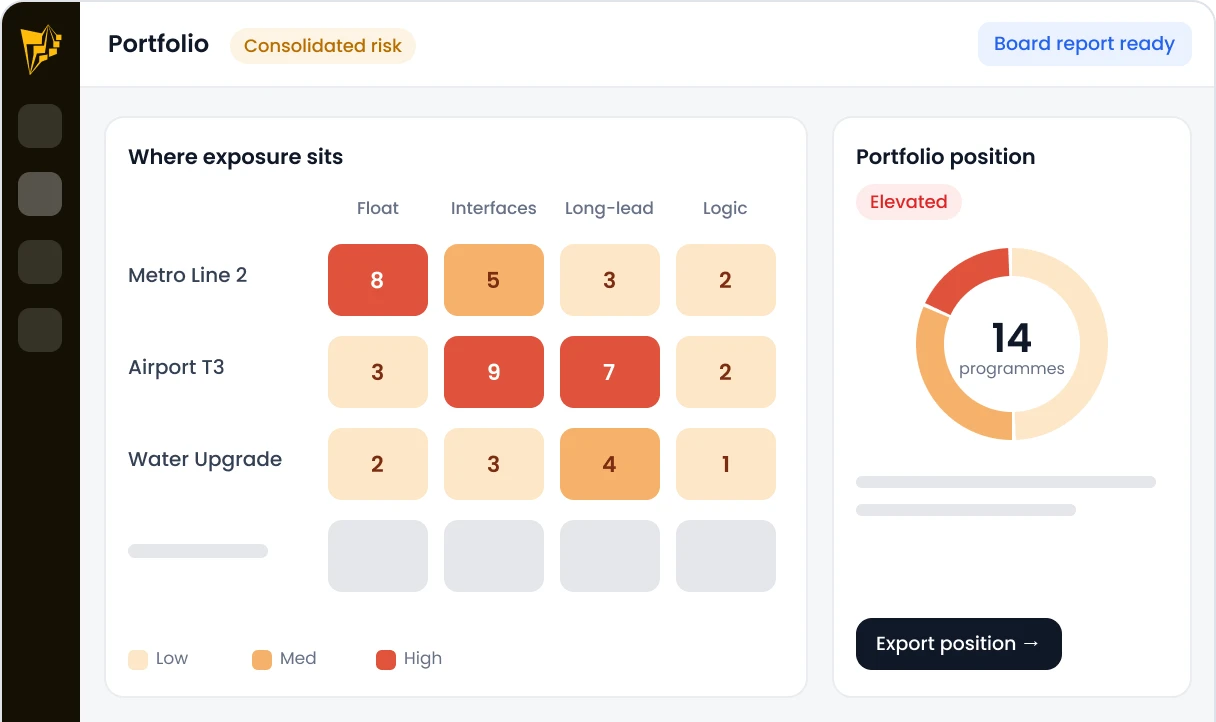
Where the risk sits across the portfolio.
For risk functions comparing exposure across programmes and reporting a consolidated position.
Everything in ConstructMind
Enterprise project health
Organisation-wide reporting
SSO & enterprise directory integration
Multi-workspace dashboards
Deeper governance & controls
Standardised templates
Dedicated CS architect
Bring a real programme.
Not a sample project.
Discover how AI-powered project intelligence can help your team plan validate and manage complex construction programmes with greater confidence.